
Technical issues
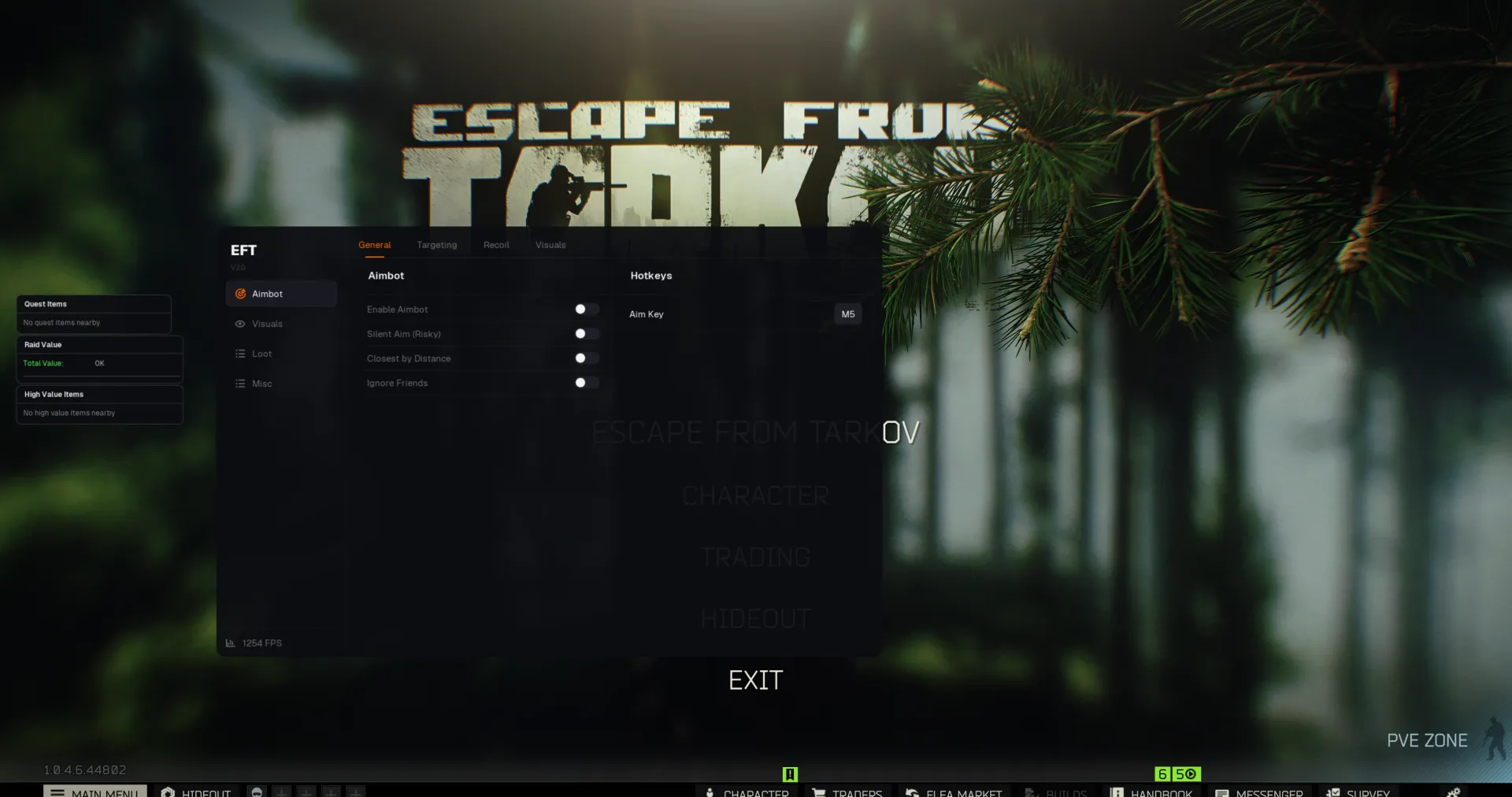
Menu Not Clickable? How to Fix It
Last updated 1 min read
If the menu opens but ignores your clicks, your game or launcher is almost always running as administrator. Windows doesn't let a normal program send input to a window that runs with higher privileges.
Important
Steam, the EA app, Battle.net, the Epic Games Launcher and the game itself must all run without administrator rights.
Turn off "Run as administrator"
Repeat these steps for the launcher and for the game's .exe:
- Find the
.exefile. Right-click its shortcut and choose Open file location. - Right-click the
.exeand choose Properties. - Open the Compatibility tab.
- Uncheck Run this program as an administrator, then click Apply.
- Close the launcher completely, including from the system tray, and start it again.
Tip
Also click Change settings for all users on the same tab and make sure the box is unchecked there as well.
Menu clickable but features don't work?
See ESP or visuals not working, or go through the full troubleshooting guide.