
Docs · 34 articles
How can we help?
18 articles
Technical issues
Loader, injection and in-game problems: Windows settings to change, overlays to disable and step-by-step fixes.
- Troubleshooting Guide for the PeekCheats Loader
- How to Disable Windows Defender (Tamper Protection & Real-time Protection)
- How to Disable Memory Integrity (Core Isolation / HVCI)
- Loader Connection Error or Infinite Loading
- Menu Not Clickable? How to Fix It
- Menu Shows but ESP or Visuals Don't Work
- Cheat Disappears Mid-Game? Set Up ISLC (16 GB RAM)
- How to Disable the Xbox Game Bar (Windows 10 & 11)
- How to Disable Game Mode (Windows 10 & 11)
- How to Disable Hardware-Accelerated GPU Scheduling
- How to Disable Fast Startup (Windows 10 & 11)
- How to Disable the NVIDIA App Overlay (GeForce Experience)
- How to Disable the AMD Adrenalin Overlay
- How to Disable the Discord Overlay
- How to Disable the Steam Overlay
- How to Set Up the Medal Overlay for Injection
- How to Set Up the SteelSeries Sonar Overlay
- How to Reinstall Windows from USB (Only If Needed)
- Apex Legends Cheat Features Explained
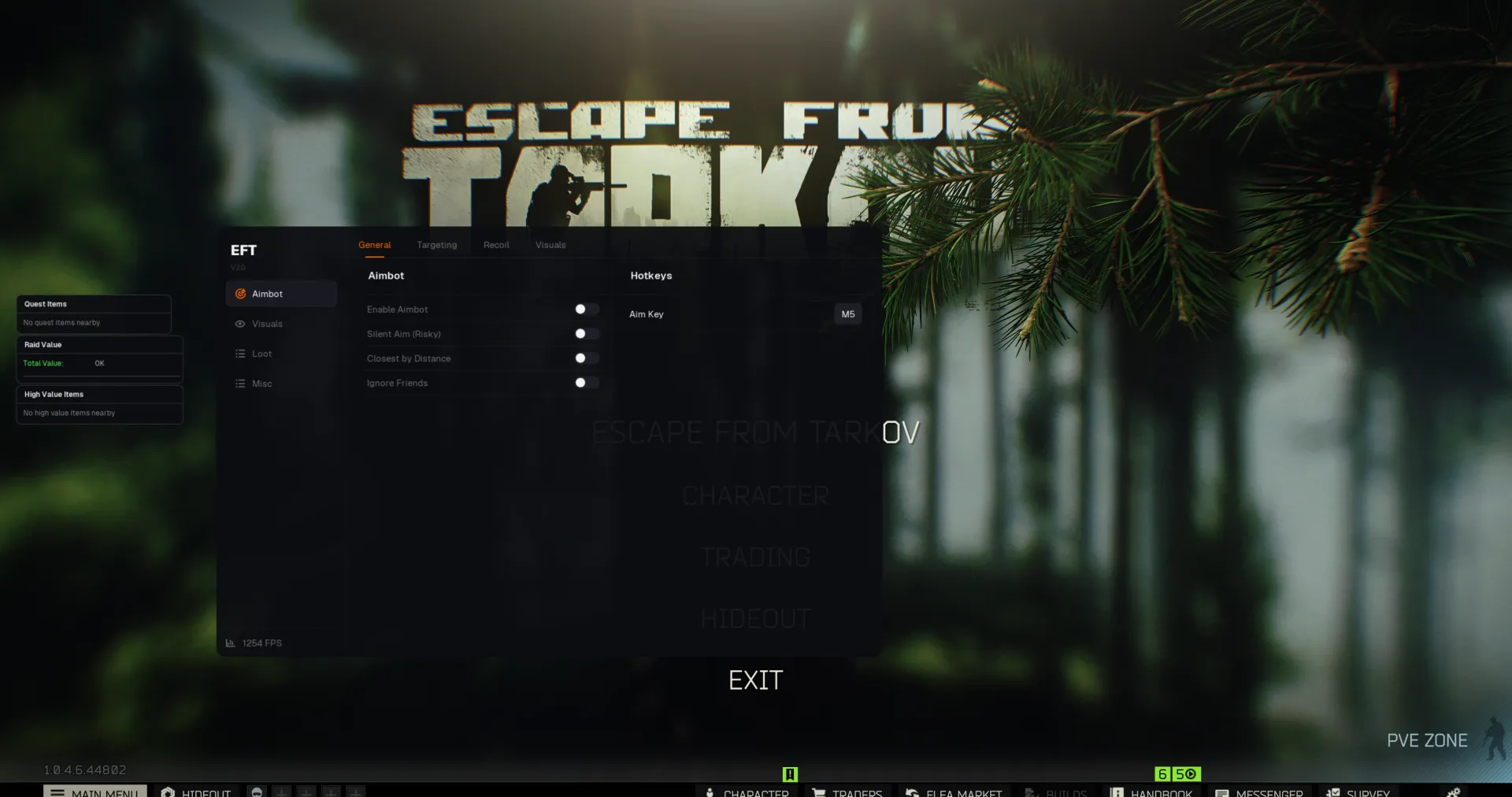
- Escape from Tarkov Cheat Features Explained
- Counter-Strike 2 Cheat Features Explained
- Call of Duty Cheat Features Explained (Black Ops 7, Black Ops 6, Warzone)
- The Finals Cheat Features Explained
- Rust Cheat Features Explained
- Arc Raiders Cheat Features Explained
- DayZ Cheat Features Explained
- Marvel Rivals Cheat Features Explained