
Technical issues
How to Disable Game Mode (Windows 10 & 11)
Last updated 1 min read
Game Mode is meant to prioritise games, but on some systems it causes stutter or interferes with overlays. Turning it off is a quick way to rule it out. The steps are the same on Windows 10 and 11.
Press
Win + Ito open Settings.Go to Gaming → Game Mode.
Set Game Mode to
Off.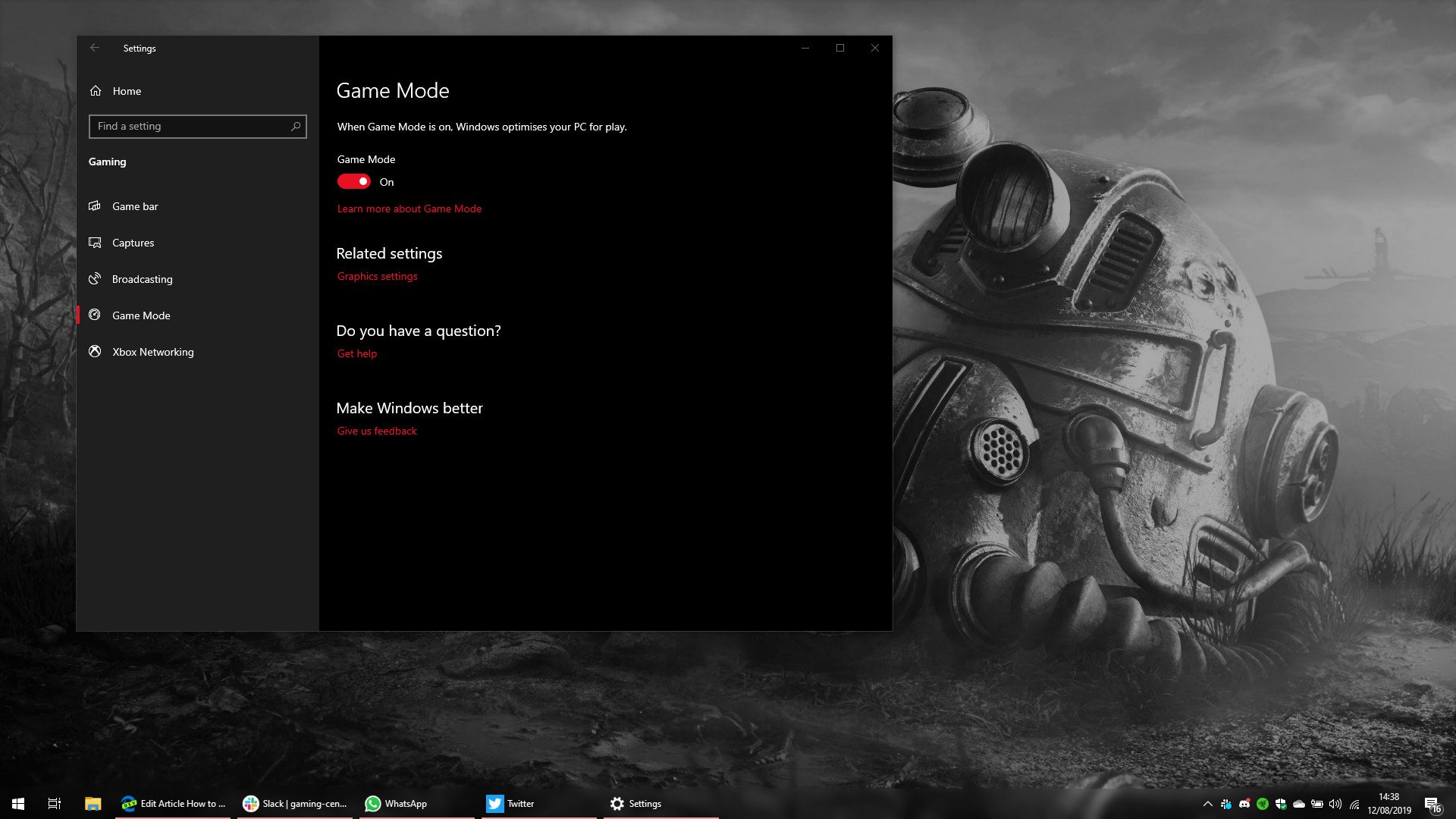
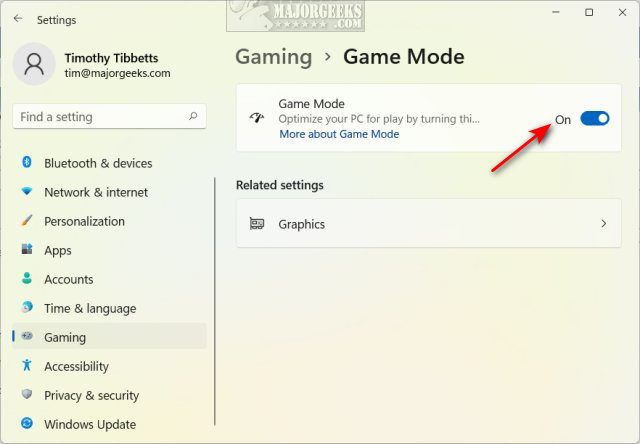
To turn it back on later, repeat the steps and set the switch to On.
Related tweaks
Game Mode is one of the optional tweaks in the troubleshooting guide. The others are GPU scheduling and Fast Startup.