
How to Reinstall Windows from USB (Only If Needed)
Important
Reinstalling is a last resort. Only do it after you've worked through every step of the troubleshooting guide without success.
A clean install from USB clears out leftover drivers, anti-cheats and broken settings that a reset from inside Windows keeps. Use an official Windows image. We don't support modified or "lite" builds.
What you need
- A USB stick with at least 8 GB. It will be wiped.
- A working PC with internet access to prepare the stick.
- About an hour.
Part 1: Download the Windows ISO
Microsoft's own page is at microsoft.com/software-download/windows11. If you need a specific build or language, os.click is an easy way to get official ISOs:
Go to os.click.
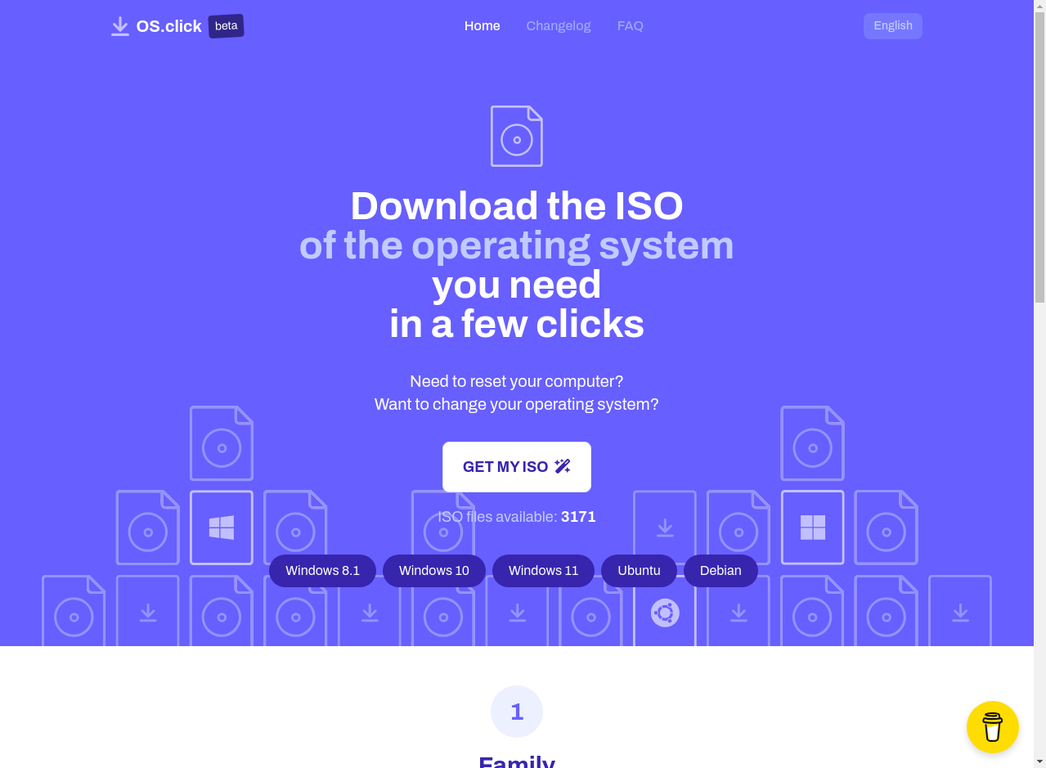
Click GET MY ISO and choose Windows as the family.
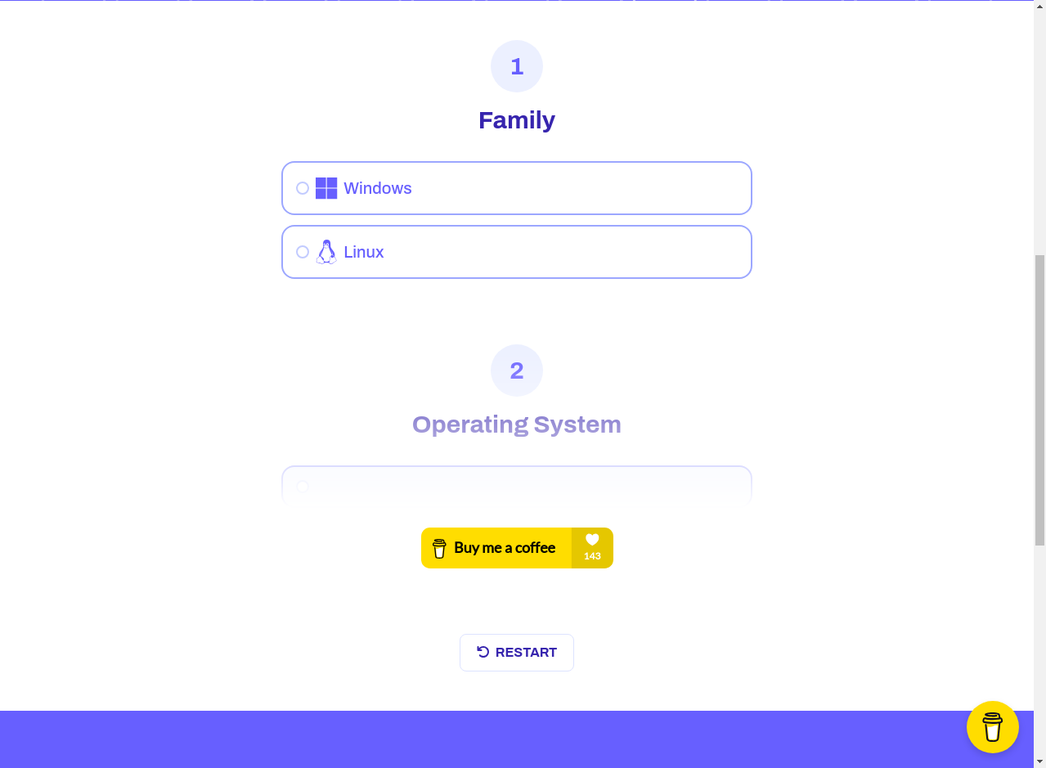
Pick the version, for example Windows 11.
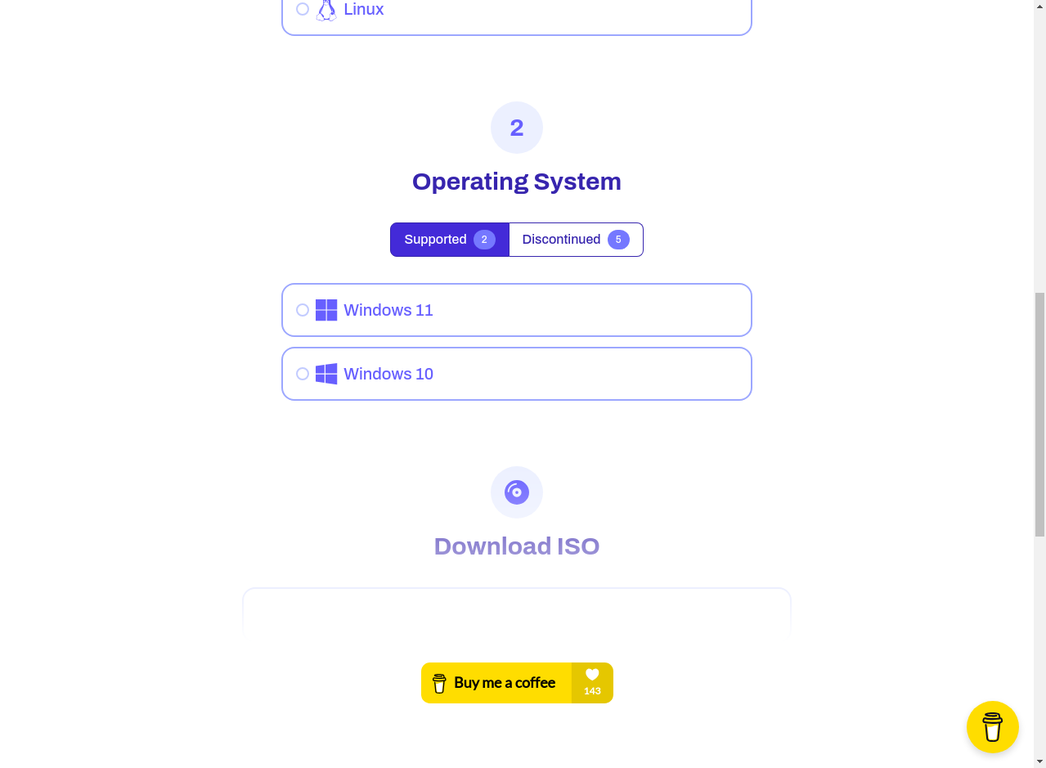
Choose the build, edition and language, then download the ISO somewhere easy to find.
Part 2: Make a bootable USB with Rufus
Warning
Rufus erases everything on the USB stick.
Download Rufus from rufus.ie and run it. Nothing needs installing.
Set it up like this:
Option Value Device your USB stick Boot selection SELECT → your Windows ISO Partition scheme GPTfor modern PCs (MBRonly for very old ones)Target system UEFI (non CSM)File system NTFSCluster size default 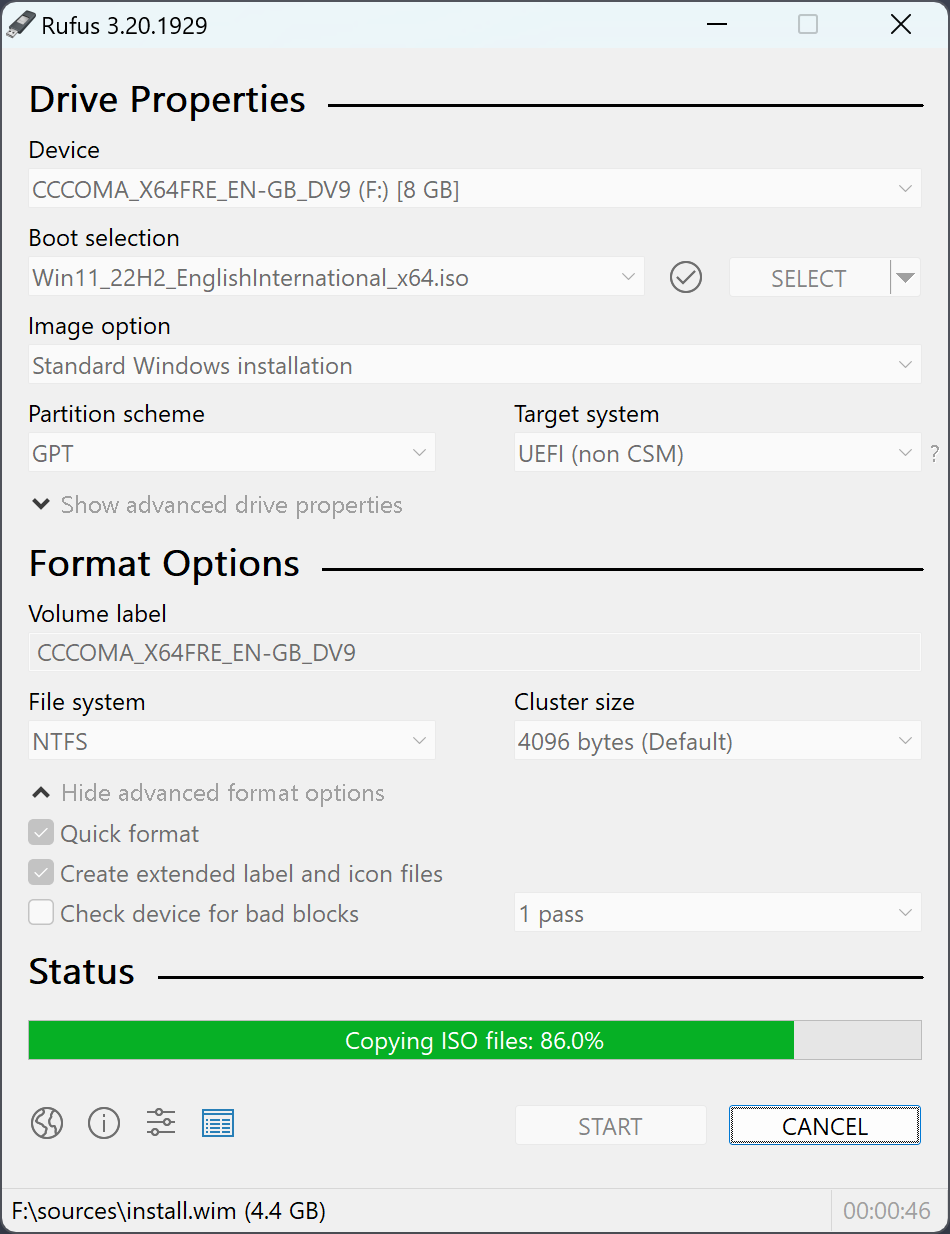
Click START and confirm that the stick will be erased.
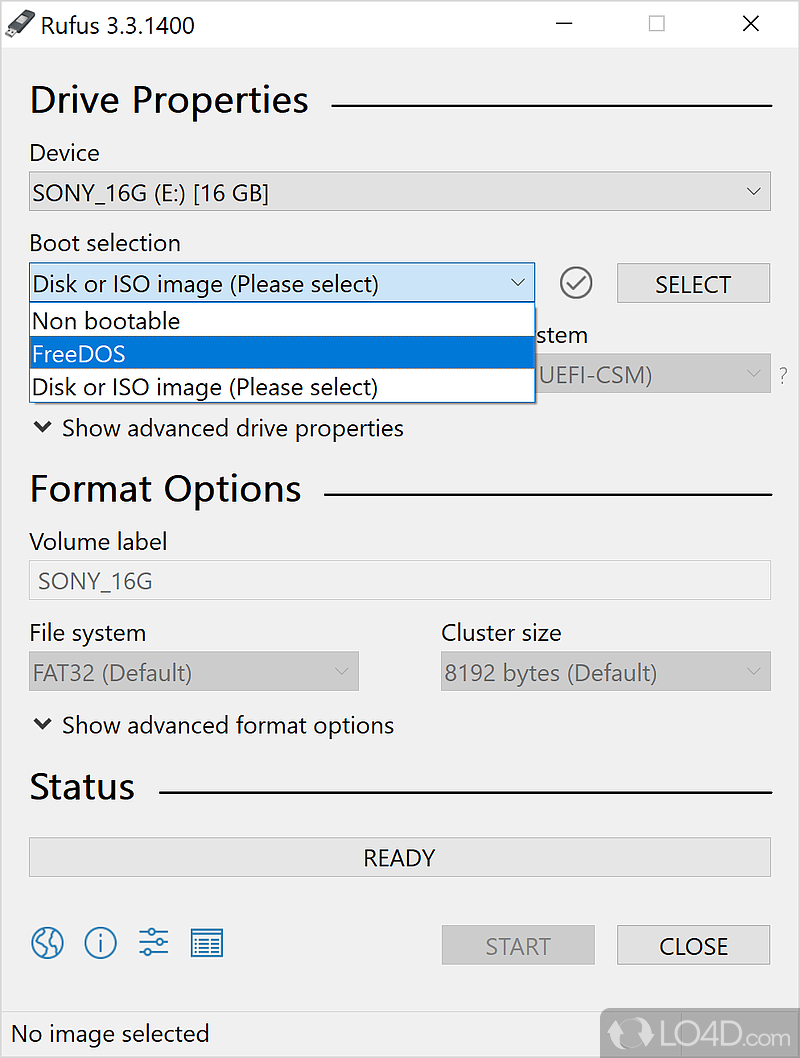
Wait until the progress bar is fully green and shows READY.
Part 3: Install Windows
Plug the USB stick into the PC you're reinstalling.
Restart and open the BIOS/UEFI. The key is usually
Del,F2,F10orEsc. Your motherboard manual has the exact one.In the Boot section, move the USB stick to the top.
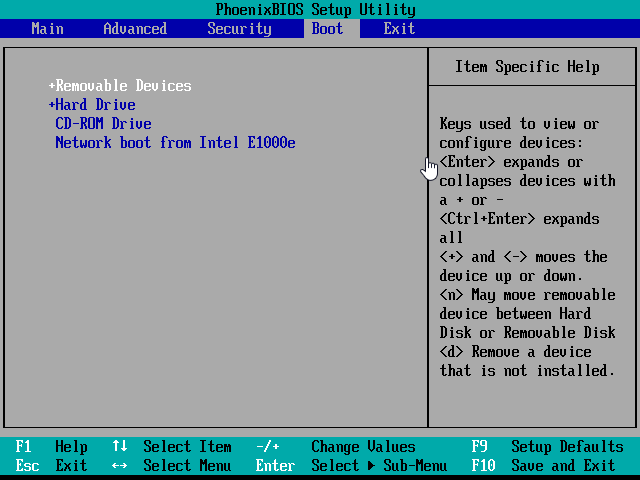
Save and exit. The PC boots from the stick into Windows Setup.
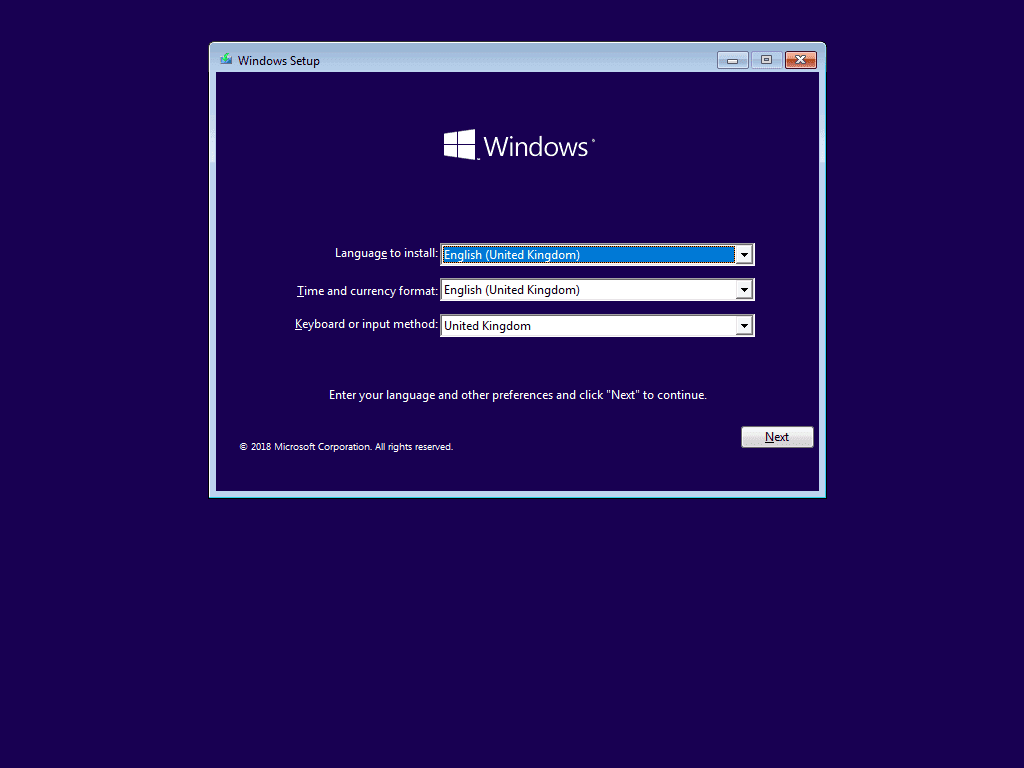
Follow the setup. You can choose to keep your personal files. Windows restarts a few times before you set up your account.
After the reinstall
A fresh Windows install changes your hardware ID, so reset your license's HWID first. Then go through the requirements again before you start the loader: Visual C++, Defender, Memory Integrity and anti-cheats.